xperia-firmware-toolkit
xperia-firmware-toolkit is a free, open-source Windows toolkit for pulling Sony Xperia stock firmware — from Xperia Companion or Sony's ESS distribution API — and rooting the Xperia 1 IV (XQ-CT72 / PDX223) with KernelSU Next.
It documents how Xperia Companion works internally, where it drops firmware, and how to fetch the exact same files directly — then takes you through bootloader unlock, boot patching, root, and adb-based data migration.
Quick Start
Requires Windows, Android platform-tools (adb/fastboot) on PATH; PowerShell + Python.
git clone https://github.com/nsozturk/xperia-firmware-toolkit
cd xperia-firmware-toolkit

# Capture firmware while Xperia Companion "Software repair" downloads it
powershell -ExecutionPolicy Bypass -File firmware-capture\watch_firmware_win.ps1
Edit the param(...) block at the top of each script ($Serial, paths) first.
Firmware Capture
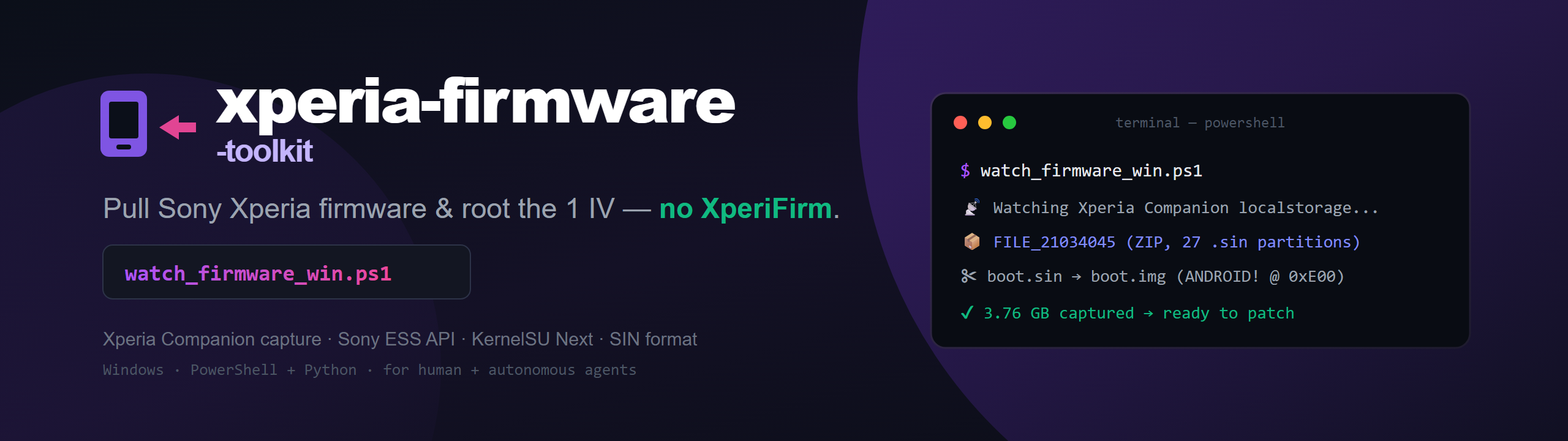
Xperia Companion downloads firmware to %LOCALAPPDATA%\Sony\Xperia Companion\<InstallTime>\localstorage\<REGION>\ — first as 100 MB FILE_<id>_partN chunks, then merged into FILE_<id>, a ZIP of every partition .sin. The watcher copies them out as they land.
powershell -ExecutionPolicy Bypass -File firmware-capture\watch_firmware_win.ps1ESS API Download (Companion-less)
The session tokens in services.json let you call Sony's public ESS distribution API directly — no MITM, no pinning bypass:
software-service → /api/file/<contentId>?password=… → /filestorage/<id>/<hash>_partNThe final chunk URLs are plain application/octet-stream and support HTTP Range. Redacted example responses are in examples/.
Reverse Engineering
Xperia Companion is a Java / Eclipse (OSGi) app. It trusts only its bundled JRE truststore (jre\lib\security\cacerts), not the Windows store — the key to interception. Full notes cover the OSGi bundles, metadata files, the MITM method, and the Sony .sin format (strip the SIN header to the ANDROID! magic to get a raw boot image).
Rooting the Xperia 1 IV
- Unlock the bootloader (Sony Open Devices) — wipes the device.
- Extract stock
boot.imgfromboot_*.sin. - Patch with KernelSU Next (LKM mode), then
fastboot flash boot. - Add Zygisk (ZygiskNext) + PlayIntegrityFix + TrickyStore.
fastboot flash boot kernelsu_next_patched.img
fastboot reboot
Data Transfer (adb)
| Script | What |
|---|---|
| contacts_to_vcf.ps1 | Contacts (content provider) → importable .vcf |
| sms_to_xml.ps1 | SMS → "SMS Backup & Restore" XML |
| pull_apks.ps1 | Extract all third-party APKs (splits) |
| check_playstore.ps1 | Classify: Play Store vs sideload-only |
| push_media_to_sony.ps1 | Push media folders to target |
FAQ
Do I need XperiFirm to download Sony Xperia firmware?
No — capture what Companion downloads, or call Sony's ESS API directly.
Where does Xperia Companion store firmware on Windows?
Under …\localstorage\<REGION>\FILE_<contentId> (a ZIP of the partition .sin files).
Does rooting the Xperia 1 IV need an unlocked bootloader?
Yes — unlock (which wipes the device and revokes DRM) is required first.
Did you have to defeat SSL pinning on Xperia Companion?
No — standard TLS + the JRE truststore; a trusted MITM CA is enough, and even that is optional.
AI Agent Integration
See AGENTS.md for the coding-agent contract and GLOBAL_AGENT_RULE.md to equip your own assistant.